Recorder

Voice recorder for iPhone
Download on theApp StoreComing soon

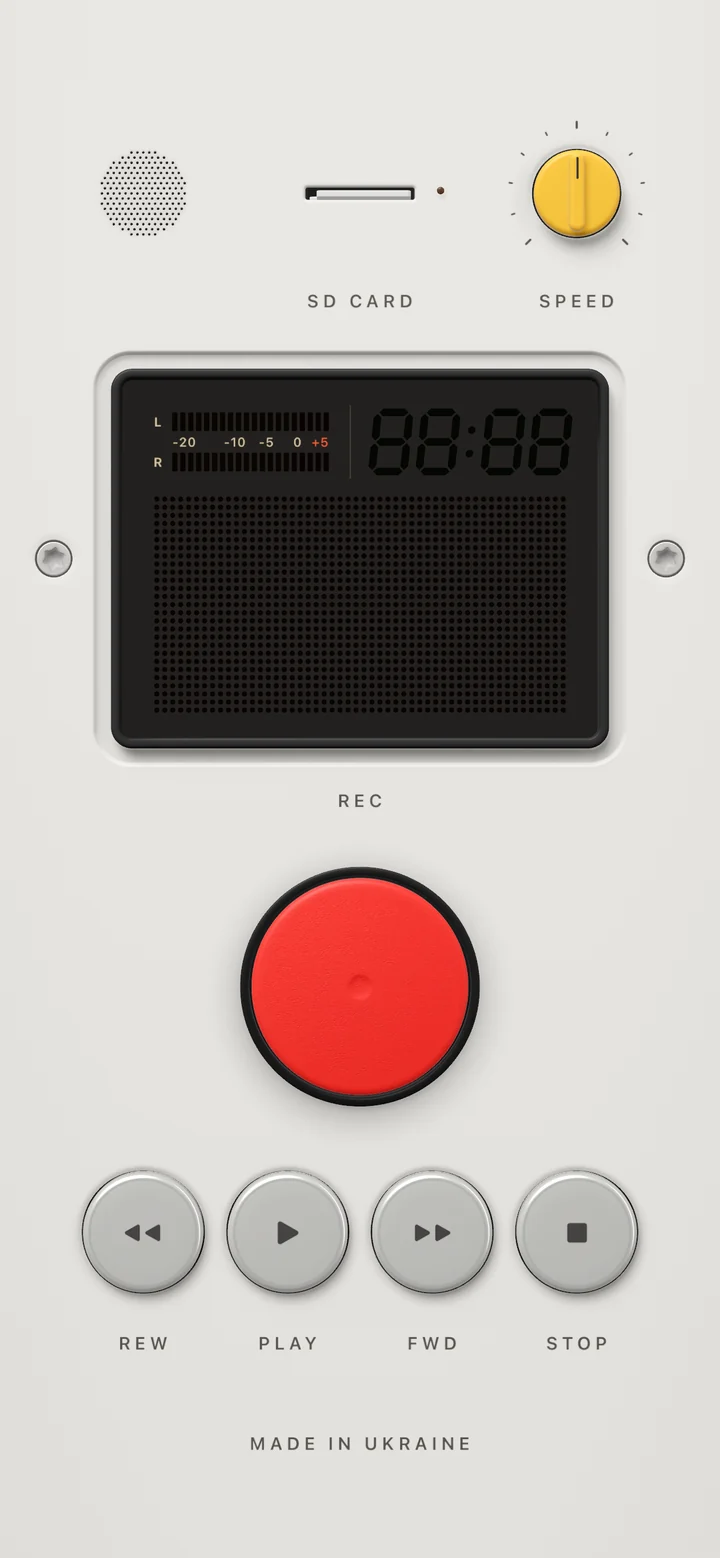
Recorder is a voice recorder and audio memo app for iPhone. Press REC and the tape runs. A level meter follows the room, and every take lands on the card.

Recorder records the way a tape machine does. Press REC, speak, press STOP. PLAY plays the take back, and the counter in the window tells you where you are.

Your recordings live on the SD card. Tap it to open them: a plain, native screen where you rename, listen, export and share.

Record lectures, meetings, interviews, voice notes and song ideas, then rename, export and share the files.

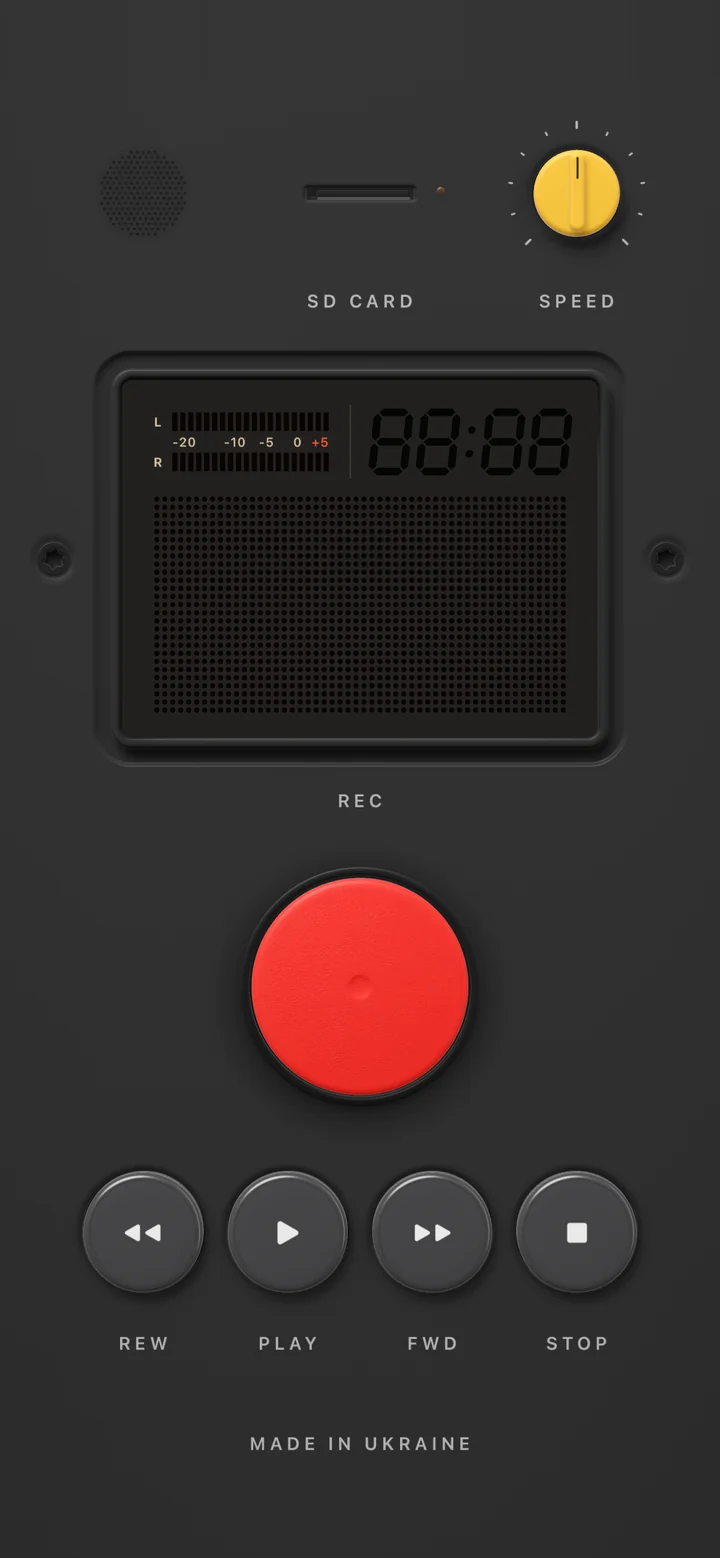
Recorder, voice recorder for iphone, seen from the front at an angle
Recorder from the back
Records with the screen off

Records with the screen off

A take keeps running in the background and shows on the Lock Screen and in the Dynamic Island, where you can stop it without unlocking.
Your takes are files

Your takes are files

Rename, listen, export as M4A or WAV and share. Nothing is uploaded, and there is no account.
Text from your voice

Text from your voice

Where your iPhone supports it, a take becomes text right on the device. The audio never leaves it.

The card

Tap the SD card and it flies into the lens. Behind it, your recordings live as files on a plain, native screen.

The card is where the device ends and iOS begins: the list, the player, the text and the export are ordinary iPhone screens, in your language and your theme, with nothing to learn. Close the card and it flies back into its slot.

Recorder: Recordings

Recordings

Every take on the card: its number, name, length in big figures and its waveform. Sort them, search by name and by text, or hold one for the menu.
Recorder: One recording

One recording

The time in big figures and the waveform with phrase marks and the red head. Drag or tap anywhere on it; crossing a phrase ticks in your hand.
Recorder: Text

Text

A take becomes text on the iPhone, phrase by phrase, each with its place on the tape. Tap a phrase to play from there, copy the text or share it.
Recorder: Export

Export

M4A or WAV with their real size, the text alongside the file if you want it, and one button into the share sheet.

Specifications

Recording
AAC, in the background, with a Live Activity
Playback
Three speeds, with controls on the Lock Screen
Files
Export as M4A or WAV, share, transcribe on the device
Privacy
Recordings stay on the phone
Requires
iPhone with iOS 18 or later

Questions

Does Recorder keep recording with the screen off?

Yes. A take keeps running in the background, shows on the Lock Screen and in the Dynamic Island, and you can stop it there without unlocking.

What format are the recordings?

AAC in an M4A file. Any take can be exported as M4A or WAV and shared from the card's files screen.

Can it turn a recording into text?

On iPhones that support on-device speech recognition, a take becomes text right on the phone. The audio is never uploaded.

Where are my recordings stored?

On your iPhone only, on the SD card in the app. There is no account and nothing is sent anywhere.

Which iPhone do I need?

Any iPhone running iOS 18 or later.

Does Recorder exist as a physical device?

Not yet. Recorder is a concept made as a digital object: designed and engineered like a real voice recorder, but it exists only on your iPhone. If you make hardware and would like to produce it in commercial quantities, we are open to collaboration: hello@objectism.app.